Organize and collaborate
Folders, tags, favourites and projects
Keep workflows easy to find as you build more of them.
Tags
Add tags to workflows from the editor's top bar or the list. Filter the workflow list by one or more tags.
Favourites
Click the star next to a workflow to add it to your favourites, then use the star filter to show only them. Favourites are personal.
Search and sort
Search by name, sort by last updated, created or name, and filter by status (active or inactive) and tags.
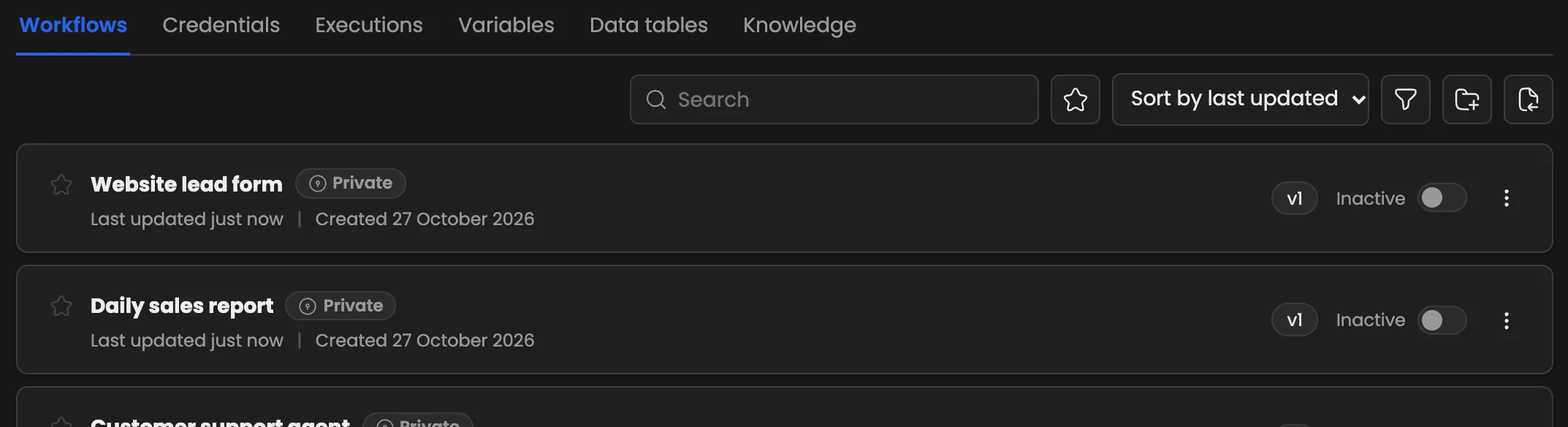
The workflow list: search, the favourites star, sorting, filters, New folder* and Import from files.*
Folders
Group workflows in folders, with folders inside folders. Move a workflow from its menu (Move to folder…). Folders are available on the Pro plan and above.
Projects
Projects group workflows, credentials and folders for a team or client, with their own members and roles. Projects are available on the Business plan and above.
Archive
Workflows you no longer need can be archived: they leave the list but can be restored.