Organize and collaborate
Team members, roles and sharing
Invite your team, choose roles and share workflows and credentials.
Invite people
Go to Settings → Members and invite people by email. They join your organization with the role you choose. The Free plan includes 2 members; paid plans include more.
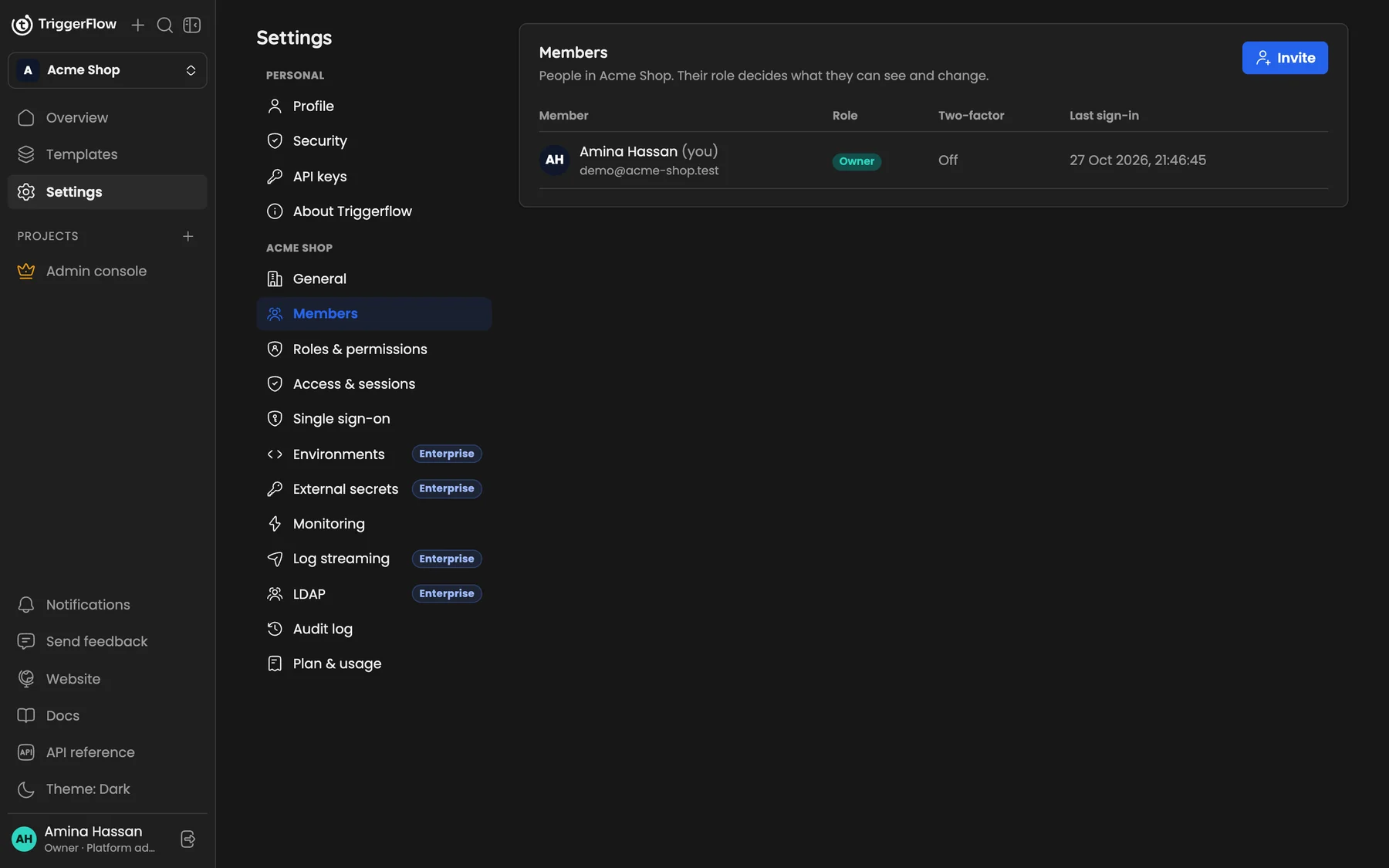
*Settings → Members: everyone in the organization with their role, two-factor status and last sign-in.*
Roles
| Role | Can |
|---|---|
| Owner | Everything, including billing and other owners |
| Admin | Everything except changing the plan (Pro plan and above) |
| Editor | Build, run and activate workflows and manage credentials |
| Viewer | Read-only access to workflows, credentials and executions |
On the Enterprise plan you can create custom roles with exactly the permissions you choose. See Settings → Roles & permissions.
Sharing workflows and credentials
With sharing (Business plan), a workflow or credential can be private and shared with specific people:
- Editor access: change and run it, but not delete it.
- Viewer access: see it only.
People can use a shared credential in their workflows without ever seeing its secret.
Several organizations
You can belong to more than one organization (for example your company and a client) and switch between them from the top of the sidebar.